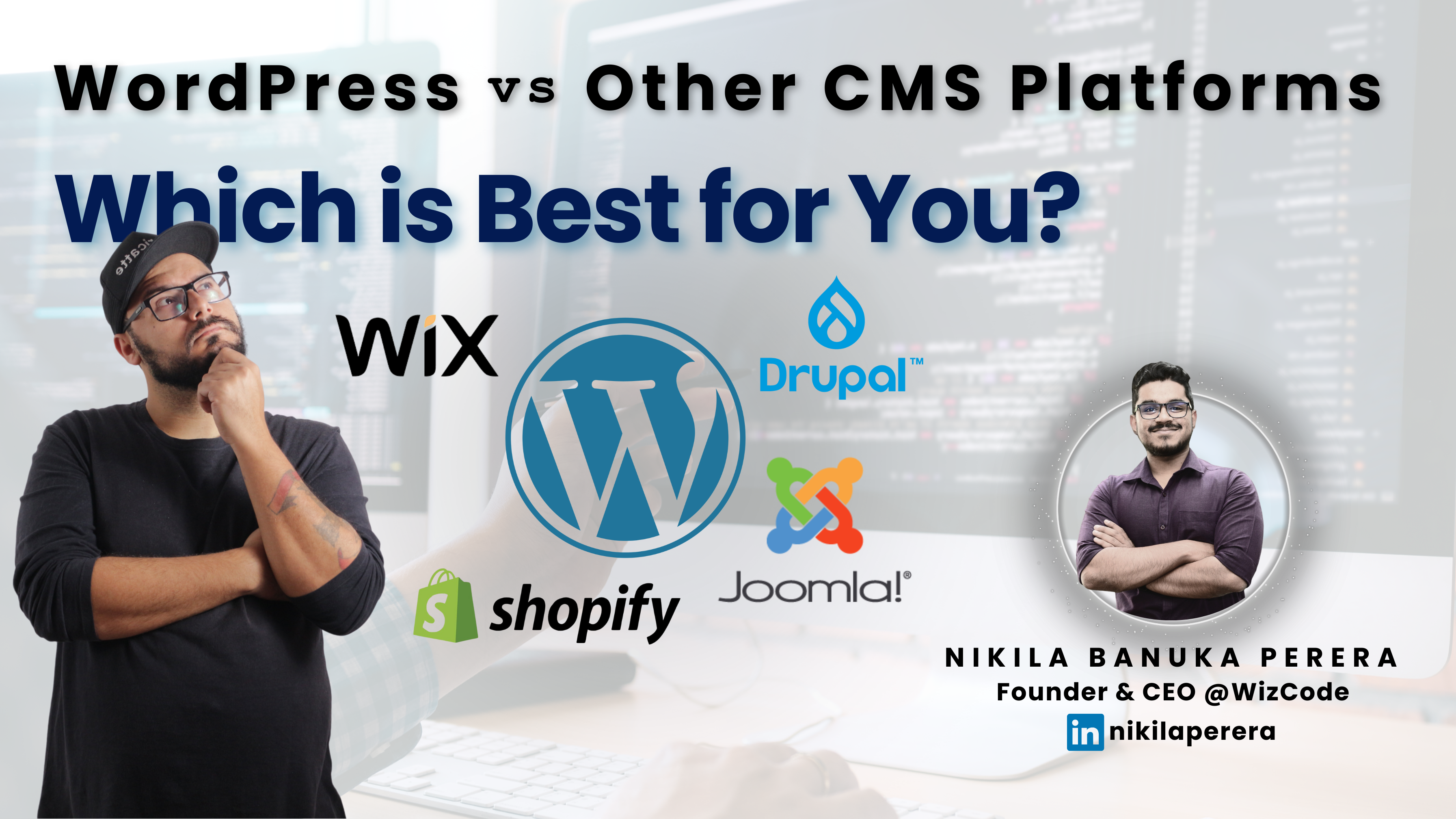
WordPress vs Other CMS Platforms: Which is Best for You?
Choosing the right Content Management System (CMS) for your website is crucial for your online success. With a variety of CMS platforms available today, each offering its own set of features, functionalities, and ease of use, it can be challenging to determine which one is best for your specific needs.
Among the most popular CMS platforms, WordPress stands out due to its flexibility, ease of use, and vast ecosystem of plugins and themes. However, it is far from the only option available. Platforms like Joomla, Drupal, Shopify, and Wix each offer unique features that may better suit different types of websites. In this blog, we’ll compare WordPress with other CMS platforms to help you decide which one is the best fit for your website.
What Is a CMS?
A Content Management System (CMS) is a software application that allows users to create, manage, and modify digital content on a website without needing specialized technical knowledge. Most CMS platforms come with user-friendly interfaces, drag-and-drop features, and customizable templates that make website building accessible to everyone—whether you’re a beginner or a seasoned developer.
Why WordPress Dominates the CMS Space
Now let’s compare WordPress with other popular CMS platforms, highlighting their key features, pros, and cons.
A Content Management System (CMS) is a software application that allows users to create, manage, and modify digital content on a website without needing specialized technical knowledge. Most CMS platforms come with user-friendly interfaces, drag-and-drop features, and customizable templates that make website building accessible to everyone—whether you’re a beginner or a seasoned developer.
How Does WordPress Compare to Other CMS Platforms?
Now let’s compare WordPress with other popular CMS platforms, highlighting their key features, pros, and cons.
1. Joomla
Joomla is another popular open-source CMS that caters to more technically-inclined users. While WordPress is known for its simplicity, Joomla offers greater customization options and flexibility.
Pros of Joomla:
More advanced user management features, which are useful for membership-based sites.
Strong multi-language support.
Great for building complex websites with custom content structures.
Cons of Joomla:
More technical knowledge required, especially for beginners.
Smaller plugin and theme ecosystem compared to WordPress.
Can be more difficult to use than WordPress for those with no web development experience.
Verdict: Joomla is great for developers and advanced users who need more control over content management but may not be ideal for beginners or small businesses looking for simplicity.
2. Drupal
Drupal is a powerful and flexible CMS used by larger enterprises and government websites. It offers extensive customization options but requires a high level of technical expertise.
Pros of Drupal:
Extremely flexible and customizable for large, complex websites.
Highly scalable, making it suitable for enterprise-level websites.
Strong security features, making it a preferred choice for high-traffic and sensitive websites.
Cons of Drupal:
Steep learning curve for beginners
Requires technical expertise for theme customization and module installation.
Limited number of themes and plugins compared to WordPress.
Verdict: Drupal is perfect for large businesses or organizations that need a highly customized, secure platform. However, it’s not as user-friendly as WordPress and may be overkill for smaller websites.
3. Shopify
Shopify is a cloud-based e-commerce platform designed for businesses looking to set up an online store. Unlike WordPress, which is more versatile and can be used for various types of websites, Shopify is specifically built for e-commerce.
Pros of Shopify:
Easy to set up and use for e-commerce websites.
Secure and reliable hosting with fast load times.
Integrated payment gateways and tools for managing products, orders, and shipping.
Cons of Shopify:
Less flexibility than WordPress for non-e-commerce content.
Monthly fees can add up depending on the plan you choose.
Limited customization options unless you know coding.
Verdict: Shopify is the go-to platform for businesses focused primarily on e-commerce. However, it lacks the versatility of WordPress for other types of websites.
4. Wix
Wix is a website builder that allows users to create websites using a drag-and-drop interface. It’s a great option for beginners who want to build a simple website quickly.
Pros of Wix:
Extremely user-friendly with a drag-and-drop editor.
Includes hosting and templates in its pricing plans.
Great for small businesses or personal websites that need minimal functionality.
Cons of Wix:
Limited scalability and flexibility for growing businesses.
Less control over SEO and advanced customization options.
Not as robust for larger, content-heavy websites.
Verdict: Wix is ideal for small businesses, portfolios, and personal websites. However, it lacks the scalability and flexibility needed for more complex or content-driven websites.
Which CMS is Best for You?
Choosing the right CMS depends on several factors, including the size of your website, your technical expertise, and the features you need. Here’s a quick breakdown:
WordPress: Best for beginners, bloggers, small to medium-sized businesses, and anyone who needs a highly customizable, SEO-friendly, and scalable platform.
Joomla: Great for advanced users and developers who need more control and flexibility.
Drupal: Ideal for large businesses or organizations that require a highly customizable, secure, and scalable platform.
Shopify: The best choice for businesses that are focused on e-commerce and want an easy-to-use platform for managing products, payments, and orders.
Wix: Best for small websites or personal projects where simplicity and ease of use are the top priorities.
Conclusion
WordPress remains the most versatile and user-friendly CMS platform, suitable for a wide variety of website types. However, if you need specific features—such as advanced e-commerce tools (Shopify), highly customizable security (Drupal), or membership management (Joomla)—other platforms may be a better fit. Ultimately, your choice of CMS will depend on your needs, technical skills, and the future goals of your website.